Spend less time on time. More on what you do best.
AI-assisted time registration for Business Central Subheadline: Let AI automatically find and suggest your billable time, so you can focus on the work only you can do. Plans start at $14 per user per month
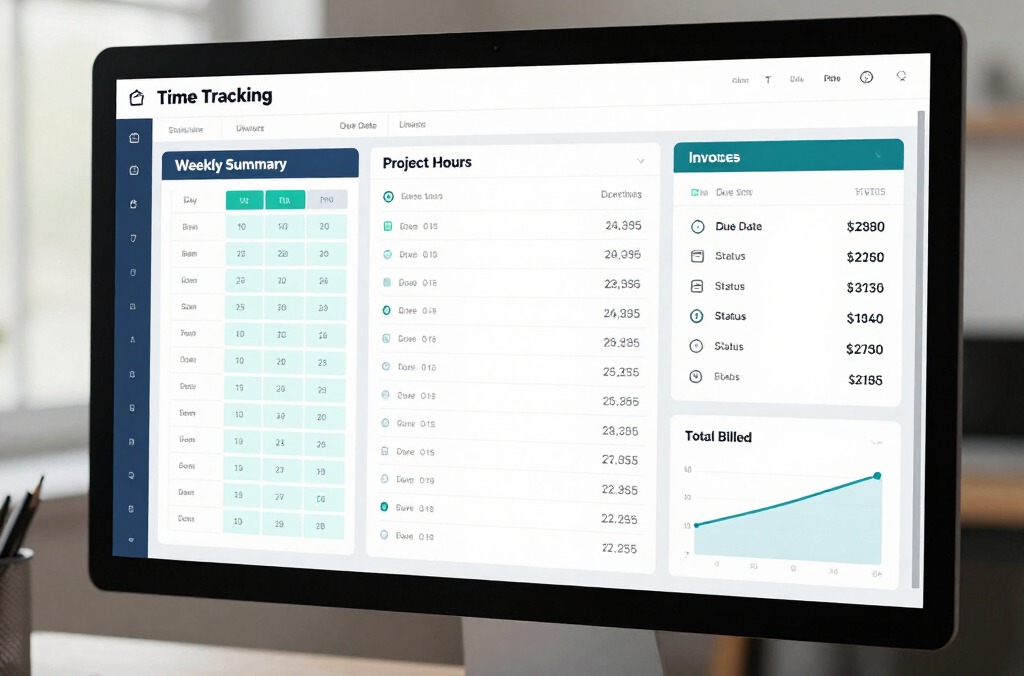
DIKTA Time is a Business Central-native application that uses AI to detect likely billable work from activity already in Business Central — calendar entries, assigned tasks, and customer or project context — and turns it into draft time entries. Every suggestion requires user review and approval before it reaches invoicing, so the system assists capture without removing human control.
The problem this solves
Is this you?A high-value team member is always last to log hours, invoices slip because nobody can confirm billable time, and month-end approvals turn into a scramble. Teams that deliver high-value work often postpone time registration — this is the Dictaphone Problem in action. It causes missing billable hours, late approvals, and slower invoicing.
What DIKTA Time does
Never start the week staring at a blank timesheet — AI suggests entries from your activity
Keeps every suggestion linked to the right project and customer, automatically
Lets you review and approve in minutes, not hours, before invoicing
Improves billable capture and data quality every week you use it
How it works
Suggest
The system identifies likely work activity periods.
Review
Users review and edit suggestions.
Approve
Approved entries are ready for downstream billing processes.
Where suggestions come from
Calendar entries and scheduled meetings
Assigned tasks and project activity
Customer and project context already in Business Central
All processing stays inside your Business Central environment — no external data transfer or separate database
Business Central fit
Built for Microsoft Dynamics 365 Business Central
No external timesheet platform required
Designed for same-environment workflow continuity
Pricing
Plans differ only in how often AI checks for new suggestions — manual entry and approval work the same way on every plan, and an admin can move the team to a different plan at any time
No. DIKTA Time is designed as AI-assisted workflow where users review and approve suggestions.
Is DIKTA Time suitable for consulting and legal teams?
No. DIKTA Time is designed as AI-assisted workflow where users review and approve suggestions.
How does AI build timesheets?
DIKTA Time scans relevant Business Central activity — such as calendar entries, tasks, and customer context — on a schedule set by your plan, and turns likely work activity into draft time entries ready for review.
How does DIKTA use AI?
AI is used only to detect patterns in existing Business Central activity and propose time entries. It does not auto-submit or auto-approve entries — a person always reviews suggestions before they count toward billing.
Is AI time tracking accurate?
The more you review and confirm suggestions, the sharper they get for your schedule — because DIKTA Time reflects your actual Business Central activity, not guesswork.
Can we change how often AI suggests time entries?
Yes. Moving from daily to twice-daily or hourly suggestions is a plan change, not a reconfiguration, so teams can match cadence to how often they want to review entries.